GOOGLE MAPS HAS 2 BILLION USERS. IT STILL CAN'T HELP YOU PLAN A SATURDAY.
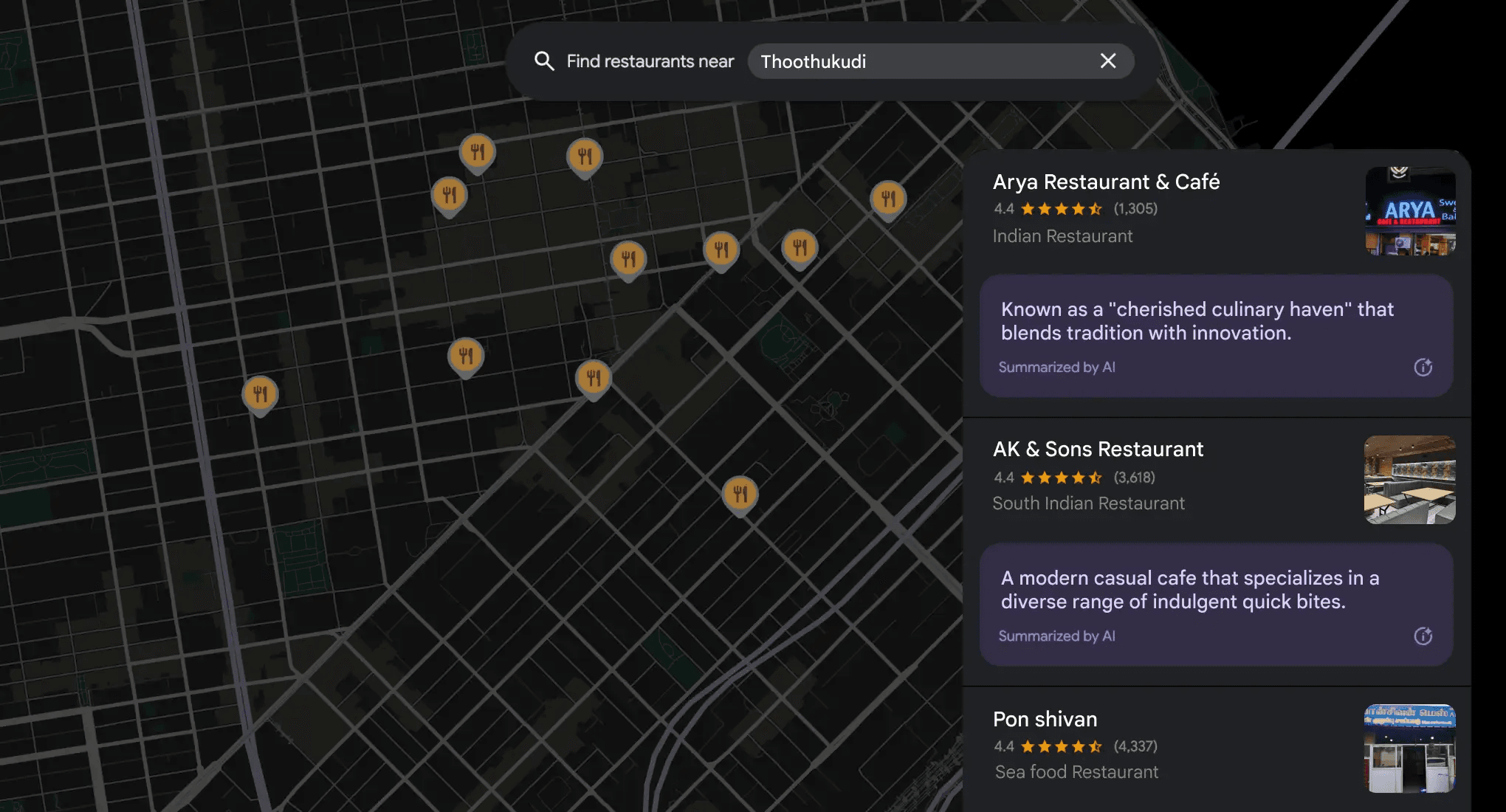
You're in a new city. One free afternoon, no plans yet. You open Google Maps and search "cafes near me." Fifteen results show up. You open the first one — nice photos, decent reviews. Open the second — slightly better ratings. By the fourth, you've already forgotten what you liked about the first. So you do what most people do: take a few screenshots, switch to Notes, and try to mentally stitch together a plan. What should've taken five minutes takes twenty-five.
It's a problem almost everyone runs into while traveling, and a genuinely interesting one through a product lens — because it isn't really a Google Maps problem, it's a category-wide one. Real travelers are already stitching together Google Maps for logistics, Reddit for local tips, and ChatGPT for discovery — three separate tools for one trip. Even Google's own ecosystem is split: Maps and My Maps are two different apps with overlapping but incomplete planning features, and My Maps can't even be edited on mobile. Contextual friction is often structural, not technical.
“The best products don't just help you do things. They help you think.”
Here's the deeper insight: Google has actually solved discovery really well. Features like Explore Along Your Route and Gemini-curated suggestions answer "what should I do?" with genuine intelligence. But none of them answer "what was I considering?" That gap — a place to hold your shortlist while you're still deciding — is real enough that multiple startups exist solely to fill it. Wanderlog offers a full itinerary builder with drag-and-drop stops and group collaboration; Plotline saves places from social media and organizes them by destination. If Google Maps had already solved this, neither would need to exist.
So what would actually fix it? Not a new app, and not another tab to manage — a planning layer inside Maps itself. A "Journey Mode" toggle that switches the map into planning mode without ever leaving the app. While browsing, places get added to a journey with one tap. Multiple journeys stay visually distinct on the map through colored markers, so planning a date night doesn't get mixed up with scouting next month's trip. And instead of a blank screen, it opens with templates — "Heritage walk," "Food trail" — so there's somewhere to start, not just a search bar waiting to be filled.
Success here isn't measured by saves or clicks. It's measured by whether the journey actually gets used: Journey Completion Rate (did the user navigate to the stops they planned) and Journey Mode Activation Rate (did they even discover the feature in the first place). A planning feature nobody activates is exactly as useless as no planning feature at all.
Trip planning was never really a navigation problem. It was a thinking-out-loud problem the whole time — and the best products don't just help you do things. They help you think.